
Workstation Basics
How to Hide the Cables on a Computer Desk
Learn computer desk cable management with a clear plan for routing cords, choosing an under-desk tray, and keeping plugs easy to reach.
Desk height, depth, width, cables, wobbles and the setup basics for a computer desk.
Learn computer desk cable management with a clear plan for routing cords, choosing an under-desk tray, and keeping plugs easy to reach.
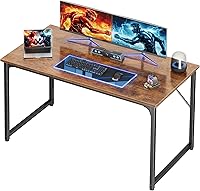
Learn how deep and wide a computer desk should be for your monitor, keyboard, and room, plus how to measure your setup before choosing a desk.

Learn how high a computer desk should be, how to set chair and monitor height, and what to adjust when a fixed desk doesn't fit your posture.

Plan a computer desk setup that fits your screen, keyboard, chair, and desk. Choose useful accessories, place them well, and keep cables clear of your feet.
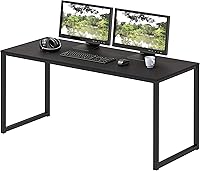
Compare 48, 55 and 60 inch computer desk widths by monitor space, room fit and storage. Measure your setup and doorway before choosing a desk.
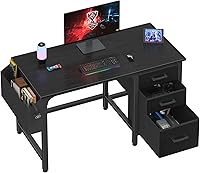
A computer workstation desk should fit your equipment, room and work habits. Compare desk sizes, storage, shapes and materials before choosing a setup.

Learn how to fix a wobbly desk by finding the cause, tightening loose joints, and choosing the right shim, anti-slip pad, or replacement foot.